Skip the 30% Delivery Commissions
Customers order online and pick up in store. You keep the full order. They pay your menu price.
Free to set up. Ready in minutes. No commission.
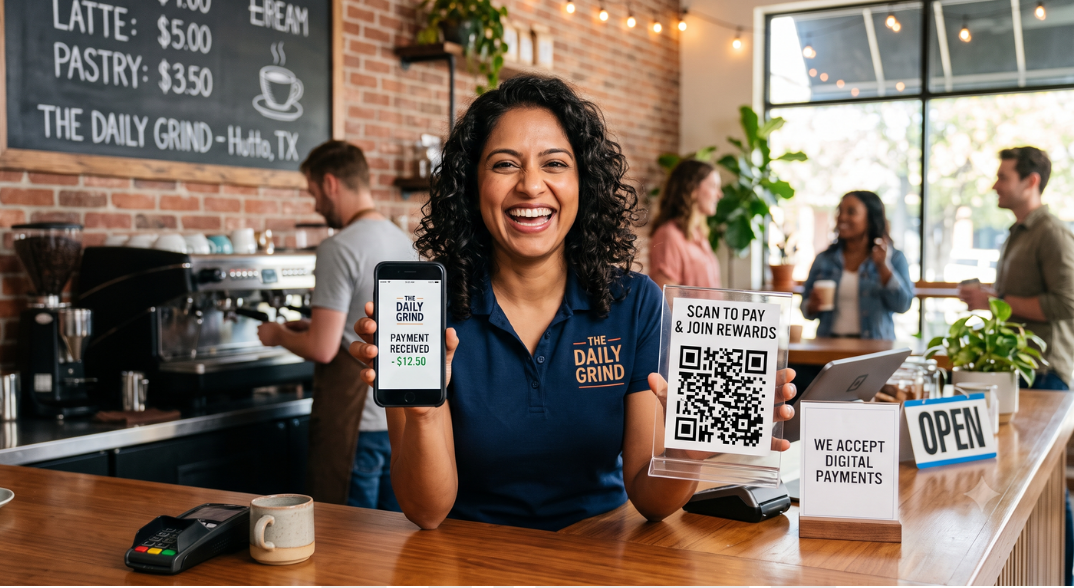
Same order. More profits.
On a $40 order:
Delivery app
Pickup
Example only. Standard card processing fees apply to card payments.
How your customers order
Order online
From your link, your Google profile or a QR code.
Pay ahead or at pickup
Card, Apple Pay or cash at the counter. Your choice.
Grab it and go
The order is ready when they walk in. No line, no wait.
Your Own Ordering Page
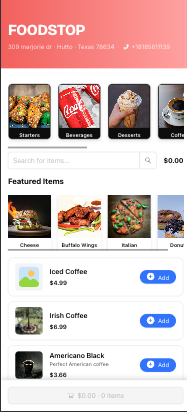
Your menu, your colours, your link. Customers order from you, not a delivery app, so the relationship stays yours.
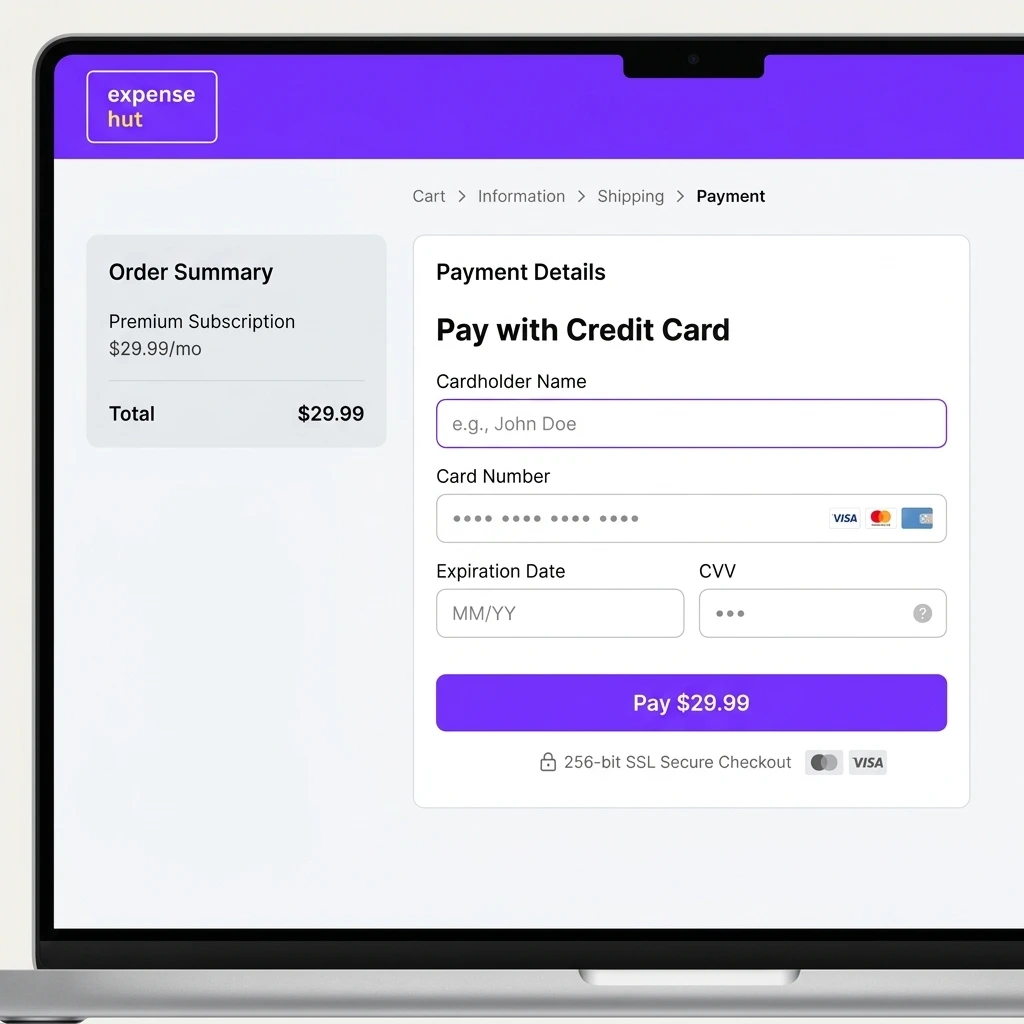
Accept Card Payments or Pay in Store*
Take card payments online, or let customers pay when they arrive.
* Card payments only for US merchants.
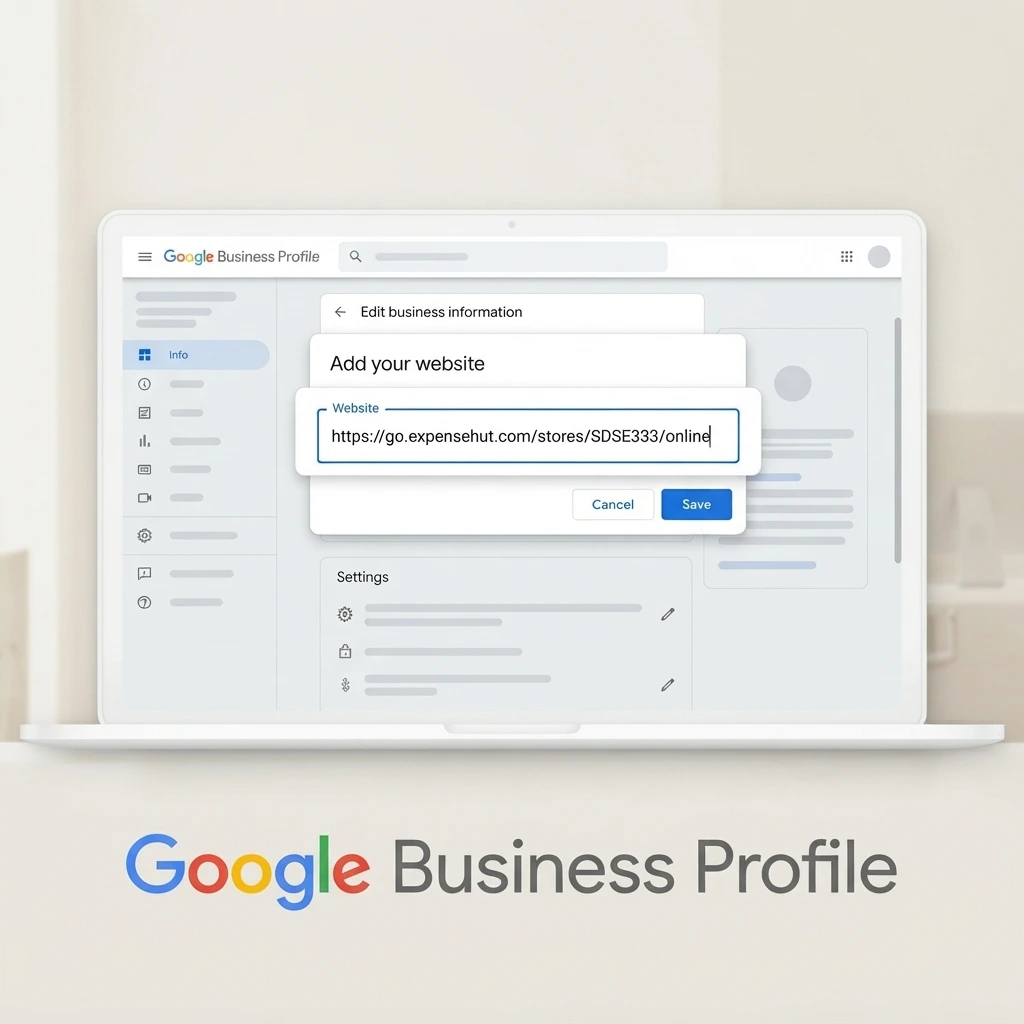
Share It Everywhere
Add your link to Google, Instagram and your receipts. Print the QR code for your counter, windows and flyers.
Set up pickup in 3 steps
No setup fee. No commission. No new hardware. Your POS menu is your online menu.
Turn on Online
Settings → Online. Your menu is already there.
Tick Pickup
Choose whether customers pay ahead.
Share your link
Post it on Google, Instagram and your receipts.
Frequently Asked Questions
Is in-store pickup free?+
Yes. There's no setup fee and no commission on pickup orders. Standard card processing fees apply only when a customer pays by card.
How long does it take to set up?+
A few minutes. Turn on Online in Settings, tick Pickup and share your store link. Your existing menu is used, so there's nothing to re-enter.
Do customers have to pay online?+
No. You decide. Require payment ahead to avoid no-shows, or let customers pay at the counter.
Where do pickup orders show up?+
In your ExpenseHut POS, alongside your in-store orders, so the kitchen sees them right away.
How is this cheaper than delivery apps?+
Delivery apps charge up to 30% per order, and customers pay extra fees on top. With pickup, you keep the full order and customers pay your menu price.
Can I still offer delivery?+
Yes. Pickup and delivery are separate options, so you can turn on either or both.